Free Image Resizer: Custom Sizes Like 16×16 with No Server Upload
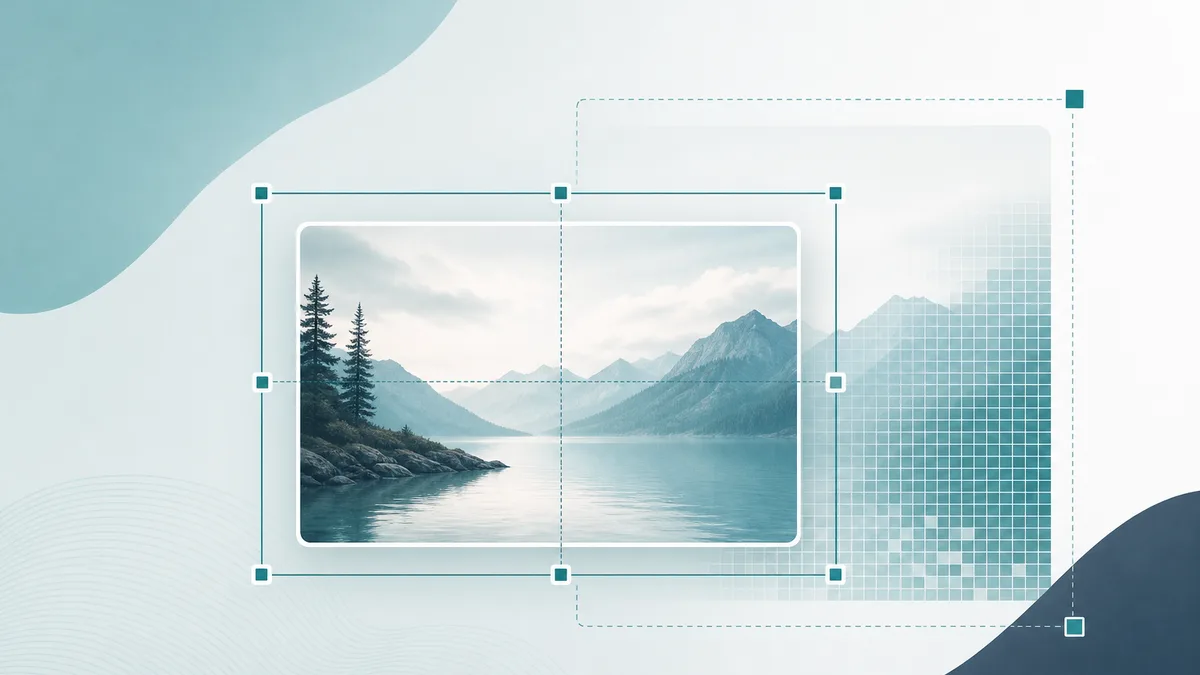
Favicons, app icons, Open Graph cards, and product thumbnails all need exact pixel sizes. A free image resizer with no server upload lets you set any custom dimensions — including 16×16 — without sending private photos to someone else's cloud.
This guide explains when custom sizing matters, how fit modes work, which formats to export, and how to use the ToolMars free image resizer safely in your browser.
Resize images free — no server upload
Custom sizes like 16×16, batch export as PNG, JPEG, WebP, or ICO. 100% private in your browser.
Why Resize Images to Exact Dimensions?
Stretching an image in CSS can blur or crop it unpredictably. Platforms expect fixed sizes:
- 16×16 / 32×32: Classic favicon and tab icons
- 180×180 / 512×512: Apple touch icons and PWA icons
- 1200×630: Common Open Graph / social preview size
- 1920×1080: Full HD banners and video thumbnails
With a free online tool that does no server upload, you can hit those sizes without installing Photoshop or risking confidential screenshots on a third-party uploader.
How to Resize an Image (Step by Step)
Using the free ToolMars resizer
- Open the free image resizer — no account and no server upload.
- Drop one or more images into the workspace.
- Enter a custom width and height (for example 16×16) or pick a preset.
- Choose fit mode and export format (PNG, JPEG, WebP, or ICO).
- Click Resize, then download files individually or as a free ZIP.
Stretch vs Contain vs Cover
- Stretch: Forces the exact size. May distort if the aspect ratio changes.
- Contain: Fits the whole image inside the box without cropping (may leave empty margins).
- Cover: Fills the box and crops edges — great for square avatars and social cards.
Which Format Should You Export?
- PNG: Logos, icons, and graphics that need sharp edges or transparency
- JPEG: Photos when file size matters more than perfect sharpness
- WebP: Modern web delivery — often smaller than JPEG/PNG
- ICO: Favicon-style downloads (PNG-based) for small site icons
Resize images free — no server upload
Custom sizes like 16×16, batch export as PNG, JPEG, WebP, or ICO. 100% private in your browser.
Frequently Asked Questions
Is this image resizer free?
Yes. It is completely free — no signup, no daily limits, and no premium unlock for basic resizing.
Does the image resizer upload my files to a server?
No. There is no server upload. Resizing runs entirely in your browser, so images never leave your computer.
Can I resize an image to 16×16?
Yes. Use the 16×16 preset or type custom dimensions, then export as PNG or ICO.
Which export formats are supported?
PNG, JPEG, WebP, and ICO, plus keeping the original format when possible.
Can I resize multiple images at once?
Yes. Batch resize and download a free ZIP of all completed files.