Markup Calculator: Cost to Selling Price + Margin Explained
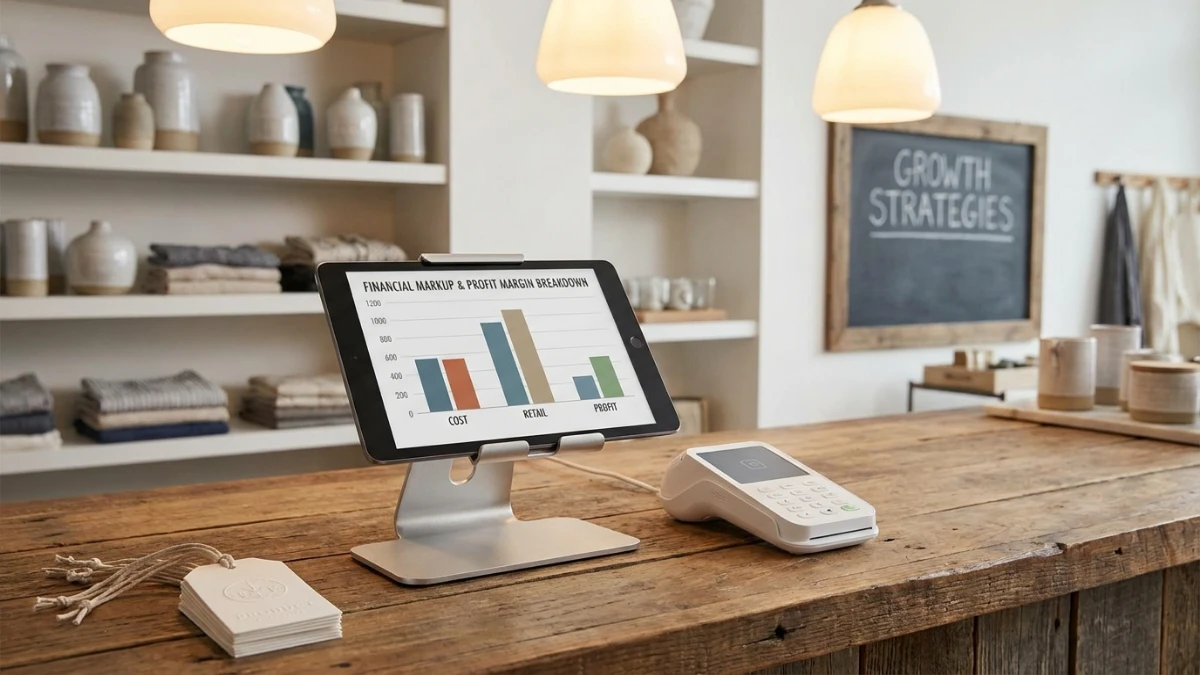
A markup calculator turns your cost into a selling price based on a target markup percentage — the same math retailers use when a $20 wholesale item needs a 50% markup to hit $30 at the register. Use a free markup calculator when you want the number fast without mixing up markup and margin.
This guide covers the cost → selling price formula, how markup % differs from profit margin %, and worked retail examples you can check with the ToolMars tool.
Turn cost into selling price in seconds
Free markup calculator — compare markup % vs margin %, no signup required.
Markup Formula: Cost to Selling Price
Markup is the amount you add to cost, expressed as a percentage of that cost. The core selling-price formula is:
Or, if you already know cost and selling price:
Example: Cost = $40, markup = 50%.
- Multiplier: 1 + 50/100 = 1.50
- Selling price: $40 × 1.50 = $60
- Dollar markup (profit before other costs): $20
Markup vs Margin: Why They Are Not the Same
Both describe profit, but the denominator changes. That is the most common pricing mistake.
Using the $40 → $60 example: markup is 50% of cost, but margin is $20 ÷ $60 ≈ 33.3% of selling price. Saying “50% margin” when you mean “50% markup” underprices the product badly.
Quick conversions
- Markup → margin: Margin % = Markup ÷ (100 + Markup) × 100
- Margin → markup: Markup % = Margin ÷ (100 − Margin) × 100
- 25% markup ≈ 20% margin; 100% markup = 50% margin (double cost = half the price is profit)
Retail Pricing Examples
Typical keystone pricing is a 100% markup (sell at 2× cost). Categories differ — groceries often run lower markups on volume; fashion and gifts may run higher to cover markdowns and overhead.
- Apparel: $18 wholesale, 120% markup → $18 × 2.20 = $39.60
- Hardware: $12 cost, 35% markup → $12 × 1.35 = $16.20
- Target margin 40%: Markup = 40 ÷ 60 × 100 ≈ 66.7% on cost
- Check any scenario in the ToolMars markup calculator.
What Markup Does Not Include
Markup on product cost is only the first layer. Shipping, packaging, payment fees, returns, and rent still come out of that “profit.” Many sellers set markup high enough to leave a healthy margin after those costs — then verify with actual P&L, not just the sticker formula.
Turn cost into selling price in seconds
Free markup calculator — compare markup % vs margin %, no signup required.
Frequently Asked Questions
How do you calculate markup percentage?
Markup % = ((Selling Price − Cost) ÷ Cost) × 100.
What is the difference between markup and margin?
Markup is percent of cost; margin is percent of selling price. They are not interchangeable.
How do you find selling price from cost and markup?
Selling Price = Cost × (1 + Markup ÷ 100).
How do you convert markup to margin?
Margin % = Markup ÷ (100 + Markup) × 100. Reverse with Markup = Margin ÷ (100 − Margin) × 100.
Why do retailers use markup instead of margin?
Markup is convenient when pricing starts from known cost; finance teams often track margin on sales.