Free SERP Preview Tool: Test Title & Meta Length
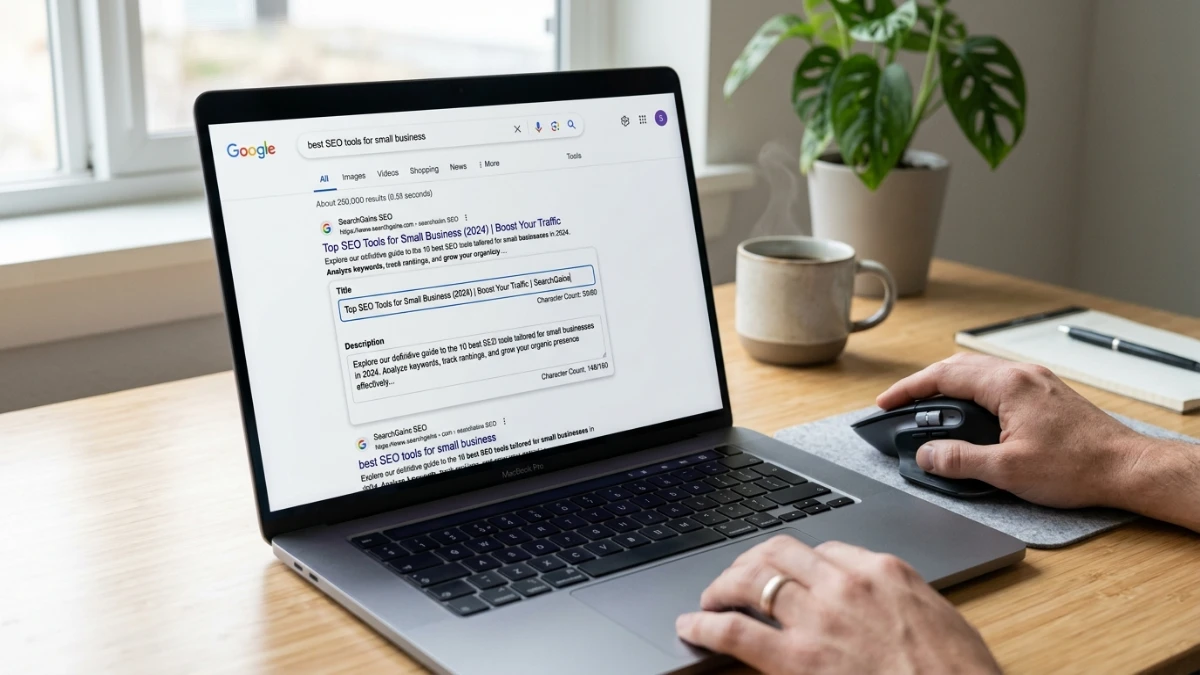
A truncated title ending in an ellipsis costs clicks before anyone reads your page. The free SERP preview tool on ToolMars shows how your title, URL, and meta description render on Google desktop and mobile — with pixel-width warnings so you fix length issues before publishing.
Click-through rate signals relevance to search engines. A clean, complete snippet stands out against competitors whose descriptions get cut off mid-sentence.
Preview title and meta before you publish
Free SERP preview — desktop and mobile mockups, pixel-width warnings, HTML export.
Google Measures Pixels, Not Characters
Title tags cap around 600 pixels (~50–60 characters). Meta descriptions cap around 960 pixels on desktop (~155–160 characters) and ~680 pixels on mobile (~120 characters). Because letter widths vary, a character counter alone cannot guarantee your snippet fits.
Example: WWW vs iii — three W's consume far more pixels than three i's at the same character count. A pixel-aware preview catches this; a plain counter does not.
Metadata Writing Checklist
Best practices
- Lead with the primary keyword — front-load relevance for crawlers and users.
- End descriptions with a CTA — "Learn how," "Try free," or "Read the guide."
- State your unique value — free tool, step-by-step guide, or calculator mention when relevant.
- Preview mobile and desktop — mobile truncates descriptions sooner.
Pixel Width Estimation for Developers
const widths: Record<string, number> = { i: 3, W: 14, a: 8, " ": 4 };

function estimatePixels(text: string): number {
  return [...text].reduce((sum, c) => sum + (widths[c] ?? 8), 0);
}

// Title valid if estimatePixels(title) <= 600
// Description valid if estimatePixels(desc) <= 960 (desktop)Complete Your SEO Stack
After snippets look good, control crawler access with the robots.txt generator and add structured data via the schema markup generator. Clean URL slugs from the slug generator complete the pre-publish pipeline. Read our robots.txt guide and schema markup guide for the next steps.
Conclusion
Stop guessing whether your snippet fits. Preview desktop and mobile, trim until the warning clears, export the HTML, and publish with confidence.
Preview title and meta before you publish
Free SERP preview — desktop and mobile mockups, pixel-width warnings, HTML export.
Frequently Asked Questions
Ideal title length?
50–60 characters, ~600 pixels on desktop.
Ideal meta description length?
150–160 desktop, ~120 mobile — front-load key info.
Direct ranking factor?
No — but CTR impact is real and measurable.
Blank meta description?
Google auto-generates from page content — usually weaker than custom copy.
Pixels vs characters?
Google truncates by rendered width; wide letters eat space faster.
Can Google rewrite titles?
Yes — aligned tags reduce but do not eliminate overrides.