Free Invoice Generator: Create & Download PDF Invoices Online
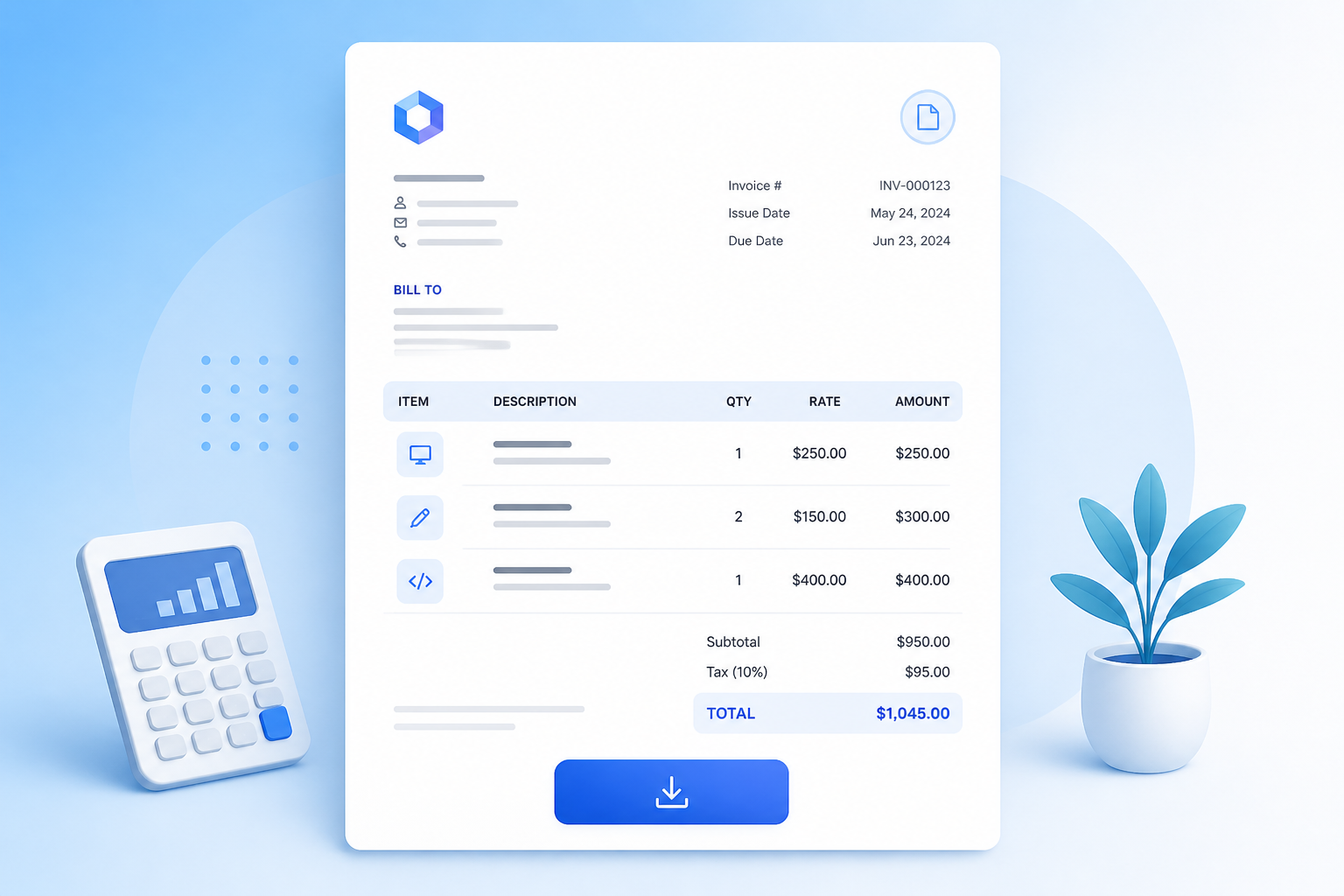
Sending a clean, itemized invoice should not require expensive subscription software or wrestling with Word templates. The free invoice generator on ToolMars lets you fill in your business details, add line items, configure tax and discounts, and download a professional PDF — all inside your browser with zero data uploads.
Whether you are a freelancer billing a client, a small business owner sending monthly statements, or a contractor documenting project milestones, a fast invoice workflow saves hours every month. Here is how to get the most out of it.
Create professional invoices in seconds
Free online invoice generator — line items, tax, discounts, PDF download.
Why You Need an Invoice Generator
Professional invoices establish credibility with clients and create a paper trail for accounting. Yet most freelancers start with copy-pasted spreadsheets or generic Word files that look amateurish and are painful to update. A dedicated invoice tool eliminates manual formatting so you can focus on the work that earns the money.
When to use an invoice generator
- Freelance projects: bill for design, development, writing, or consulting hours with clear line items
- Small business sales: send product invoices with quantity, unit price, and applicable tax
- Contractor milestones: document partial payments and remaining balances for long-term projects
- Expense records: create self-invoices or internal billing documents for bookkeeping
How to Create an Invoice in 5 Steps
The ToolMars invoice generator gives you a live preview that updates as you type. Here is the workflow:
- Step 1 — Business info: enter your company name, email, and address. This appears at the top of every invoice.
- Step 2 — Client details: fill in the "Bill To" section with your client's name, email, and address.
- Step 3 — Line items: add descriptions, quantities, and rates. The subtotal calculates automatically.
- Step 4 — Tax and discount: set a tax percentage and optional discount. The final total adjusts in real time.
- Step 5 — Download: click "Download PDF" to save a clean, print-ready invoice file.
What Makes a Professional Invoice
A good invoice is not just a payment request — it is a legal document and a communication tool. Here are the elements that matter:
Essential invoice elements
- Unique invoice number: sequential numbering prevents confusion and simplifies tax filing
- Issue and due dates: clear dates set payment expectations and protect you legally
- Itemized line items: clients are more likely to pay quickly when they see exactly what they are being billed for
- Payment terms: "Net 30", "Due on receipt", or specific bank transfer instructions in the notes field
Invoice Tips for Freelancers
Getting paid on time is a skill. These practical habits make a real difference:
- Send the invoice the same day you deliver the work — delays signal it is not urgent
- Use "Net 14" instead of "Net 30" for new clients until trust is established
- Always include your payment method (bank transfer, PayPal, etc.) in the notes
- Keep a copy of every invoice as a PDF for year-end tax preparation
Create professional invoices in seconds
Free online invoice generator — line items, tax, discounts, PDF download.
Privacy and Security
The ToolMars invoice generator runs entirely in your browser. Your business details, client information, and billing amounts are never uploaded to any server. The PDF is generated locally using your browser's rendering engine — so your financial data stays completely private.
Bottom Line: Bill Fast, Stay Private
Professional invoices build trust and simplify taxes. Pair billing with the markup calculator when setting product prices, or the Word to PDF converter when clients send contracts that need a PDF reply.
Frequently Asked Questions
Is this invoice generator really free?
Yes — unlimited invoices at no cost, no accounts, no subscriptions.
Where is my invoice data stored?
Nowhere. Everything stays in your browser. When you close the tab, the data is gone.
Can I add a company logo?
The current version uses clean text-based layouts. Logo support is planned for a future update.
What currencies are supported?
USD, EUR, GBP, PKR, INR, CAD, and AUD — with correct symbols throughout.
Can I use this for freelance work?
Absolutely. Add line items for hours, flat rates, or product sales and download a professional PDF.