How to Convert Markdown to PDF Without Pandoc (Free Browser Guide)
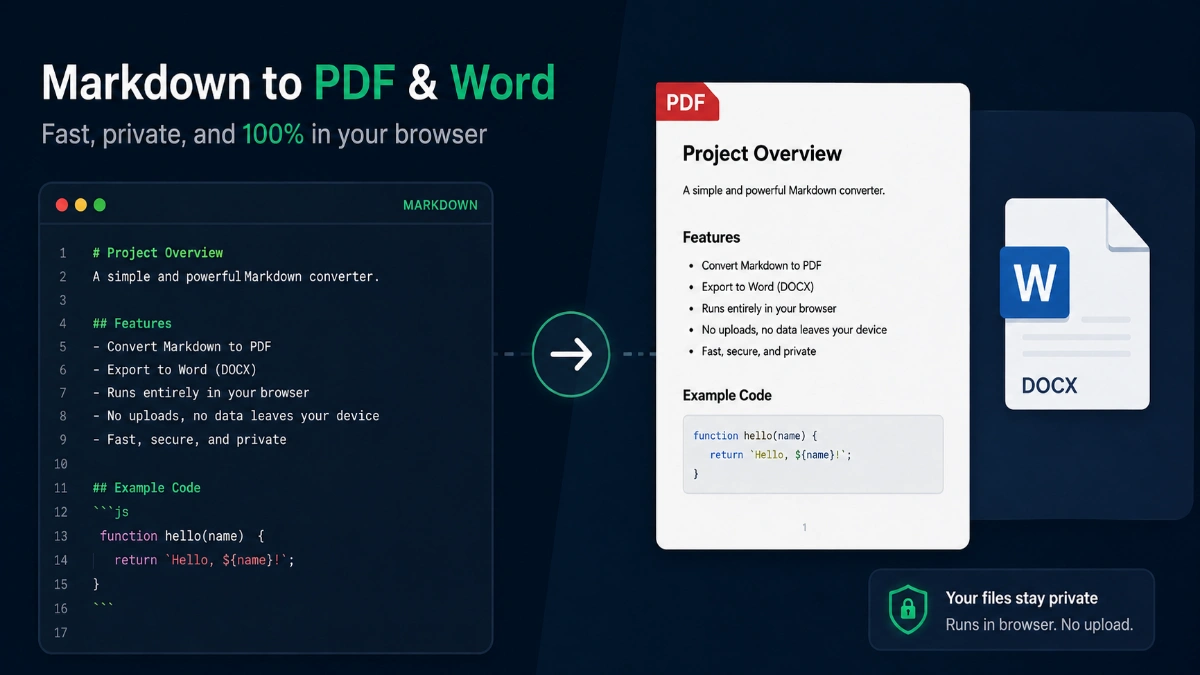
Markdown is the default format for README files, developer docs, and note-taking apps like Obsidian — but sharing a .md file with non-technical stakeholders often means converting it to PDF or Word. The free Markdown converter on ToolMars handles that entirely in your browser: no Pandoc install, no server upload, no account.
Convert Markdown to PDF or Word in your browser
Live preview, GFM tables, syntax highlighting, batch export — no uploads, no Pandoc.
Why Convert Markdown to PDF or Word?
Markdown excels at writing — headings, lists, code blocks, and tables in plain text — but PDF and Word remain the standard for printing, emailing, and editing by non-developers. Common scenarios include:
- Exporting a GitHub README for offline review or investor decks
- Turning technical documentation into a printable PDF report
- Converting Obsidian or Notion-exported notes to Word for collaboration
- Batch-converting blog drafts stored as .md files before editorial review
Pandoc vs Browser Converters vs Upload Services
| Method | Pros | Cons |
|---|---|---|
| Browser (ToolMars) | No install, private, live preview, PDF + Word | Very large files limited by browser memory |
| Pandoc (CLI) | Scriptable, highly customizable templates | Requires install, learning curve, no preview |
| Upload converters | Zero setup, works on any device | Files sent to server, watermarks, privacy risk |
Step-by-Step: README.md to PDF
- Open the converter — navigate to /tools/markdown-converter/.
- Paste or upload — copy your README content or drag-drop the .md file into the batch area.
- Choose a theme — GitHub for dev docs, Academic for reports, Minimal for clean handouts.
- Enable TOC — toggle Table of Contents if your README has multiple sections.
- Select PDF — set Letter or A4, margins, and page numbers.
- Convert & Download — your PDF generates locally and saves to your Downloads folder.
Convert Markdown to PDF or Word in your browser
Live preview, GFM tables, syntax highlighting, batch export — no uploads, no Pandoc.
Supported Markdown Features (GFM)
GitHub Flavored Markdown extends standard Markdown with tables, task lists, and more. A production-grade converter should handle:
- Headings H1–H6 — with optional auto-generated table of contents
- Fenced code blocks — with language-specific syntax highlighting
- GFM tables — alignment, multi-row headers
- Task lists — checkbox items for project plans and meeting notes
- YAML front matter — title, author, date parsed as document metadata
Privacy: Why Client-Side Conversion Matters
Internal runbooks, unreleased product specs, and client-facing proposals often start as Markdown. Uploading them to a free online converter sends your intellectual property to a third-party server — often with unclear retention policies.
ToolMars processes Markdown, renders HTML, and generates PDF/DOCX entirely in your browser using JavaScript. Nothing is transmitted over the network during conversion.
Markdown to Word (DOCX) Use Cases
PDF is ideal for final distribution, but Word is better when recipients need to edit, comment, or track changes. Select Word output to get a .docx file with headings, lists, tables, and code blocks mapped to Word styles — useful for:
- Handing off documentation drafts to editors who work in Microsoft Word
- Converting meeting notes for managers who prefer Track Changes
- Creating proposal templates from Markdown outlines
Batch Converting Multiple .md Files
If you maintain a docs folder with dozens of Markdown files, batch mode saves time: upload all files, choose PDF or Word, convert in sequence, and download a single ZIP. This is especially useful for static site generators (Hugo, Jekyll, Astro) where content lives as individual .md pages.
Related Tools
Already have a Word document instead of Markdown? Use the Word to PDF Converter for client-side DOCX → PDF. For word counts before publishing, try the Word Counter.
Convert Markdown to PDF or Word in your browser
Live preview, GFM tables, syntax highlighting, batch export — no uploads, no Pandoc.