Free QR Code Generator: Custom Colors & Brand Design
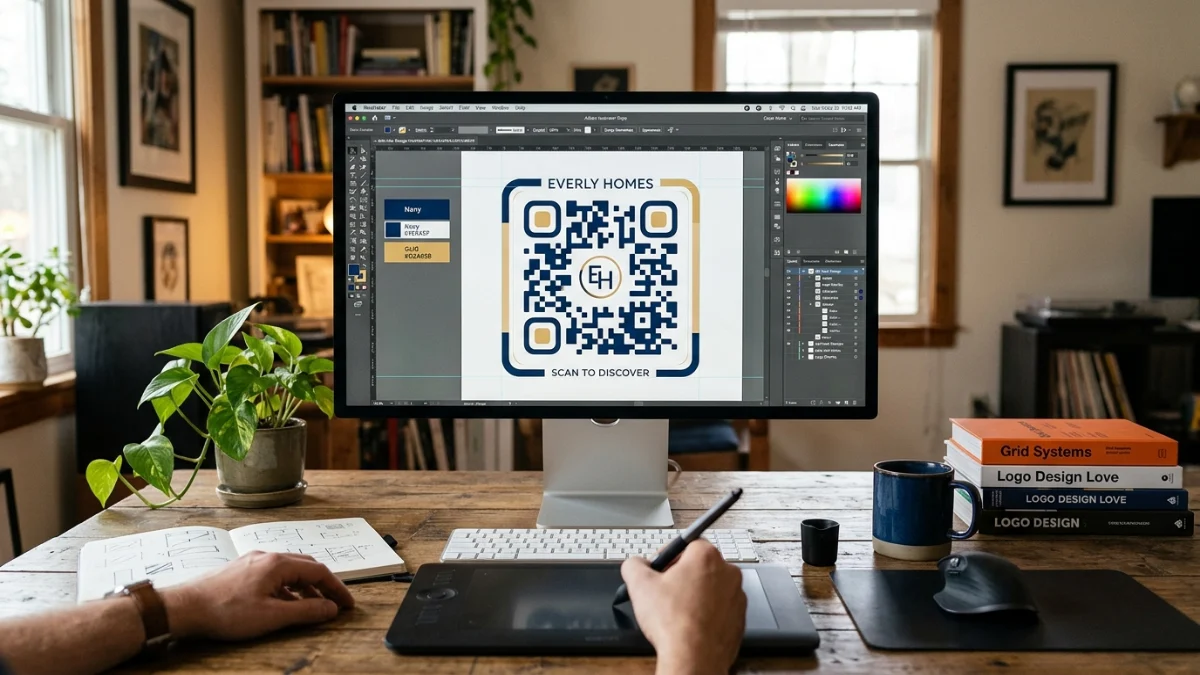
Default black-and-white QR codes clash with branded packaging and marketing layouts. The free QR code generator on ToolMars builds static, track-free codes with custom hex colors and adjustable error correction — rendered entirely in your browser, then downloaded as PNG.
Many online generators route scans through third-party redirect servers. That adds latency, creates link rot if the service shuts down, and exposes user behavior to analytics you did not ask for. Static codes encode the destination URL directly — you own the link forever.
Create branded QR codes with custom colors
Free QR generator — static codes, error correction levels, PNG download, no tracking.
Color Contrast Rules That Keep Codes Scannable
Scanners distinguish dark modules from light ones. Match your brand palette, but maintain at least 4:1 contrast. Dark foreground on a light background is the safest layout — inverted light-on-dark codes fail on many devices.
Error Correction Levels Explained
- Level L (~7%) — cleanest grid, best for high-contrast flat print.
- Level M (~15%) — default for most marketing materials.
- Level Q (~25%) — curved bottles, cans, or warped surfaces.
- Level H (~30%) — center logo overlays or outdoor wear.
How to Create a Branded QR Code
Step-by-step
- Open the QR generator.
- Enter the full destination URL including https://.
- Set foreground and background hex colors with strong contrast.
- Pick an error correction level based on print conditions.
- Download the PNG and test with the QR reader.
Canvas Rendering Under the Hood
The generator builds a boolean matrix and paints each module onto an HTML5 canvas — no server round trip:
function drawQR(matrix: boolean[][], size: number, fg: string, bg: string) {
  const canvas = document.createElement("canvas");
  canvas.width = canvas.height = size;
  const ctx = canvas.getContext("2d")!;
  ctx.fillStyle = bg;
  ctx.fillRect(0, 0, size, size);
  const mod = size / matrix.length;
  matrix.forEach((row, r) => row.forEach((on, c) => {
    if (on) { ctx.fillStyle = fg; ctx.fillRect(c * mod, r * mod, mod, mod); }
  }));
  return canvas;
}
Conclusion
Branded QR codes boost scan rates when contrast and error correction are done right. Build static, track-free codes locally, test before print, and pair with our browser QR reader guide for verification.
Create branded QR codes with custom colors
Free QR generator — static codes, error correction levels, PNG download, no tracking.
Frequently Asked Questions
Does it track scans?
No — static codes with no redirect middleware.
Why won't custom colors scan?
Insufficient contrast — use dark modules on a light background.
Best error correction for print?
Level M for flat ads; Level Q or H for curved or outdoor use.
Are inverted colors OK?
Avoid them — many scanners cannot parse light modules on dark backgrounds.
Do shorter URLs help?
Yes — they produce simpler grids that scan faster on older cameras.
How do I verify before print?
Upload the PNG to the free QR reader and test on multiple devices.