Free QR Code Reader: Scan in Browser Without an App
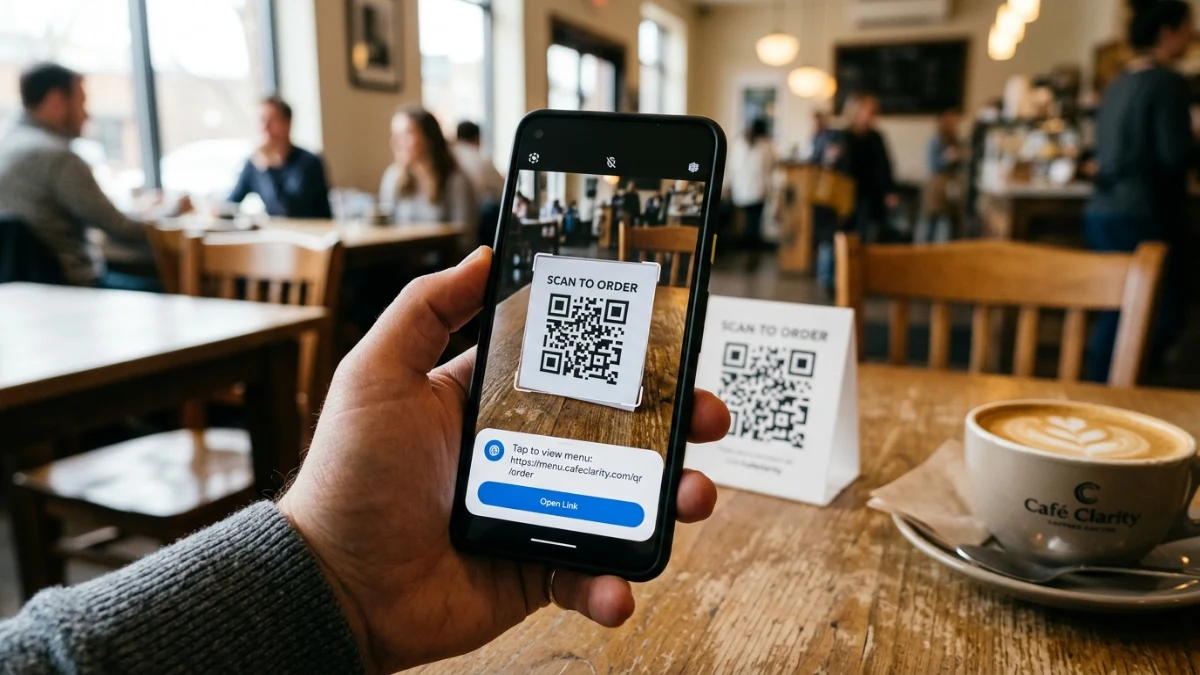
Need to decode a QR code on your laptop — a 2FA setup key, a Slack screenshot, or a staging URL on a prototype? The free QR code reader on ToolMars scans from your webcam, an uploaded image, or a pasted screenshot. No app install, no cloud upload.
QR codes bridge physical and digital workflows, but desktop users have historically pulled out a phone to scan a screen. A browser decoder is faster: paste the screenshot, copy the URL, move on.
Scan QR codes from webcam, file, or clipboard
Free universal QR reader — no app install, all decoding happens in your browser.
Why Skip Mobile Scanner Apps
Free mobile QR apps often request contacts, location, or storage access unrelated to scanning. Some bundle aggressive ad SDKs or hidden subscription trials. In corporate settings, scanning an internal staging code through an unknown app can leak endpoint URLs to third parties.
A web-native reader keeps decoding inside your browser sandbox — no install, no extra permissions beyond camera access when you choose webcam mode.
Three Ways to Scan
- Webcam — point at a badge, printout, or phone screen in real time.
- File upload — drag PNG, JPEG, or WebP files into the drop zone.
- Clipboard paste — screenshot a code and press Ctrl+V / Cmd+V.
Step-by-Step Scanning Guide
Quick start
- Open the QR reader.
- Choose webcam, upload, or paste your image source.
- Hold the code steady until the payload appears.
- Copy the decoded text or URL with one click.
How Browser Decoding Works
QR codes include three corner finder patterns that let the algorithm detect scale and rotation. The reader converts video frames to grayscale, binarizes pixels, and applies Reed-Solomon error correction before extracting the byte stream — all via Canvas and WebRTC APIs documented on MDN.
function captureFrame(video: HTMLVideoElement): ImageData | null {
  const canvas = document.createElement("canvas");
  canvas.width = video.videoWidth;
  canvas.height = video.videoHeight;
  const ctx = canvas.getContext("2d");
  if (!ctx) return null;
  ctx.drawImage(video, 0, 0, canvas.width, canvas.height);
  return ctx.getImageData(0, 0, canvas.width, canvas.height);
}
Generate Codes to Test
After scanning, verify your own codes with the QR code generator. Read our guide to custom QR design for tips on contrast, error correction, and brand colors.
Conclusion
Desktop QR scanning does not require a phone or a sketchy app. Use webcam, upload, or paste — decode locally, copy the payload, and keep sensitive URLs off third-party servers.
Scan QR codes from webcam, file, or clipboard
Free universal QR reader — no app install, all decoding happens in your browser.
Frequently Asked Questions
Do I need an app?
No — any modern browser with camera or file access works.
Is scanning confidential codes safe?
Yes. Decoding stays in browser memory; nothing is uploaded.
Why does webcam scanning fail?
Usually glare, dim lighting, or the code being too close to the lens.
Can it read damaged codes?
Reed-Solomon correction handles partial damage — up to ~30% at high correction levels.
What formats can I upload?
PNG, JPEG, WebP, plus clipboard screenshots via paste.
How do I create test codes?
Use the free QR generator to build branded codes, then scan them here.